
[ 5/11/2018 3:17:00 AM ] Software version: 31.5
[ 5/11/2018 3:17:00 AM ]
[ 5/11/2018 3:17:00 AM ]
[ 5/11/2018 3:17:00 AM ] Waiting ADB device... OK
[ 5/11/2018 3:17:00 AM ] Reading phone info...
[ 5/11/2018 3:17:00 AM ] Model: SM-G550T
[ 5/11/2018 3:17:00 AM ] Android version: 6.0.1
[ 5/11/2018 3:17:00 AM ] PDA version: FA60_G550TUVU2AQC1
[ 5/11/2018 3:17:00 AM ] CSC version:
[ 5/11/2018 3:17:00 AM ] Phone version: G550TUVU2APF1
[ 5/11/2018 3:17:00 AM ] Product code:
[ 5/11/2018 3:17:00 AM ] CSC country code:
[ 5/11/2018 3:17:00 AM ] CSC sales code:
[ 5/11/2018 3:17:00 AM ] Phone SN: 00000000000
[ 5/11/2018 3:17:00 AM ] IMEI: 351722081345120
[ 5/11/2018 3:17:00 AM ] HW version:
[ 5/11/2018 3:17:00 AM ] RF cal date:
[ 5/11/2018 3:17:00 AM ] Chip name: EXYNOS3475
[ 5/11/2018 3:17:00 AM ] Modem board: SHANNON308
[ 5/11/2018 3:17:00 AM ] Security patch: 2016-06-01
[ 5/11/2018 3:17:00 AM ] Boot Warranty bit: 1
[ 5/11/2018 3:17:00 AM ] Checking Super user right... true
[ 5/11/2018 3:17:00 AM ] Reading NV data... OK
[ 5/11/2018 3:17:00 AM ] Checking NV data... OK
[ 5/11/2018 3:17:00 AM ] Initialization zTool... OK
[ 5/11/2018 3:17:00 AM ] Running zTool, please wait...
[ 5/11/2018 3:17:00 AM ] Start... OK
[ 5/11/2018 3:18:00 AM ] Initialization... OK
[ 5/11/2018 3:18:00 AM ] Generate and check client proof... OK
[ 5/11/2018 3:18:00 AM ] Verify proof by client... OK
[ 5/11/2018 3:18:00 AM ] Reading data from phone... OK
[ 5/11/2018 3:18:00 AM ] Modem board: SHANNON308
[ 5/11/2018 3:18:00 AM ] HWID: 1A AA 89 E4 40 8A 5B 6E A4 D0 5A E6 64 44 89 11
[ 5/11/2018 3:18:00 AM ] Calculating... OK
[ 5/11/2018 3:18:00 AM ] Repairing... OK
[ 5/11/2018 3:18:00 AM ] Writing NV data... OK
[ 5/11/2018 3:18:00 AM ] Rebooting phone... OK
[ 5/11/2018 3:18:00 AM ] Repair done
REPAIR INSTRUCTIONS:
Phone must be rooted!
If the software can't root the phone automatically,
then you must root your device manually.
1. Power on the phone.
2. Enable 'USB debugging' in 'Settings'-'Developer options' for Android 4.0 - 4.1.2 or
tap 7 times on 'Build number' in 'Settings'-'About phone' to enable 'Developer options' in Android 4.2+.
3. Connect the phone to PC with USB cable, install drivers if needed.
4. Select device in ADB settings.
5. Press 'Reset EFS' if you need to reset it.
Be carefully, do not perform this without necessity and make backup before.
Operation: Patch Certificate
Selected model: SM-G550T
Software version: 31.5
Waiting ADB device... OK
Reading phone info...
Model: SM-G550T
Android version: 6.0.1
PDA version: FA60_G550TUVU2AQC1
CSC version:
Phone version: G550TUVU2APF1
Product code:
CSC country code:
CSC sales code:
Phone SN: 00000000000
IMEI: 351722081345120
HW version:
RF cal date:
Chip name: EXYNOS3475
Modem board: SHANNON308
Security patch: 2016-06-01
Boot Warranty bit: 1
Checking Super user right... true
Reading NV data... OK
Checking NV data... OK
Reading data... OK
Detecting MODEM... OK
Reading MODEM... OK
Calculating... OK
Writing zTool... OK
Initialization zTool... OK
Rebooting phone... OK
Patching CERT check... done
Done with Samsung Tool PRO v.31.5
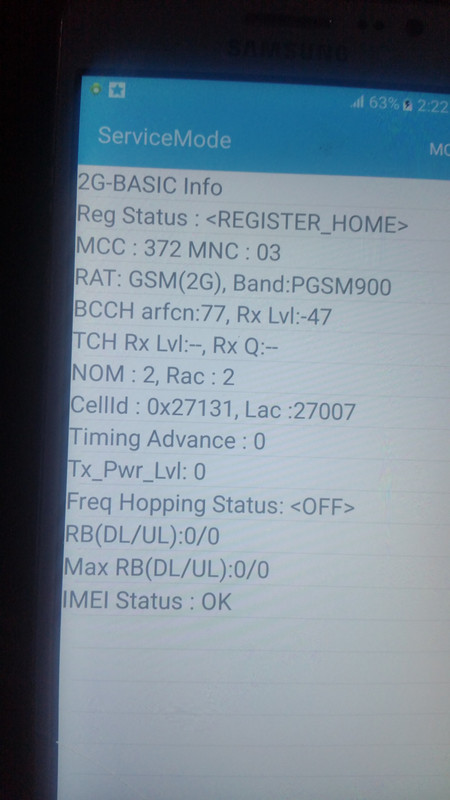
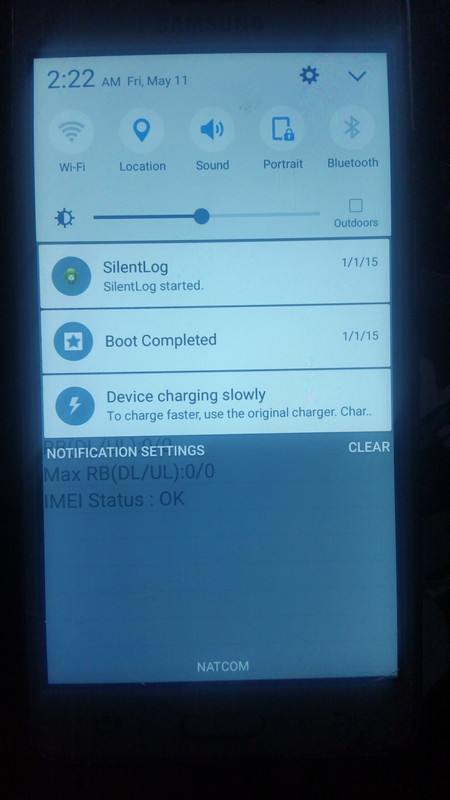
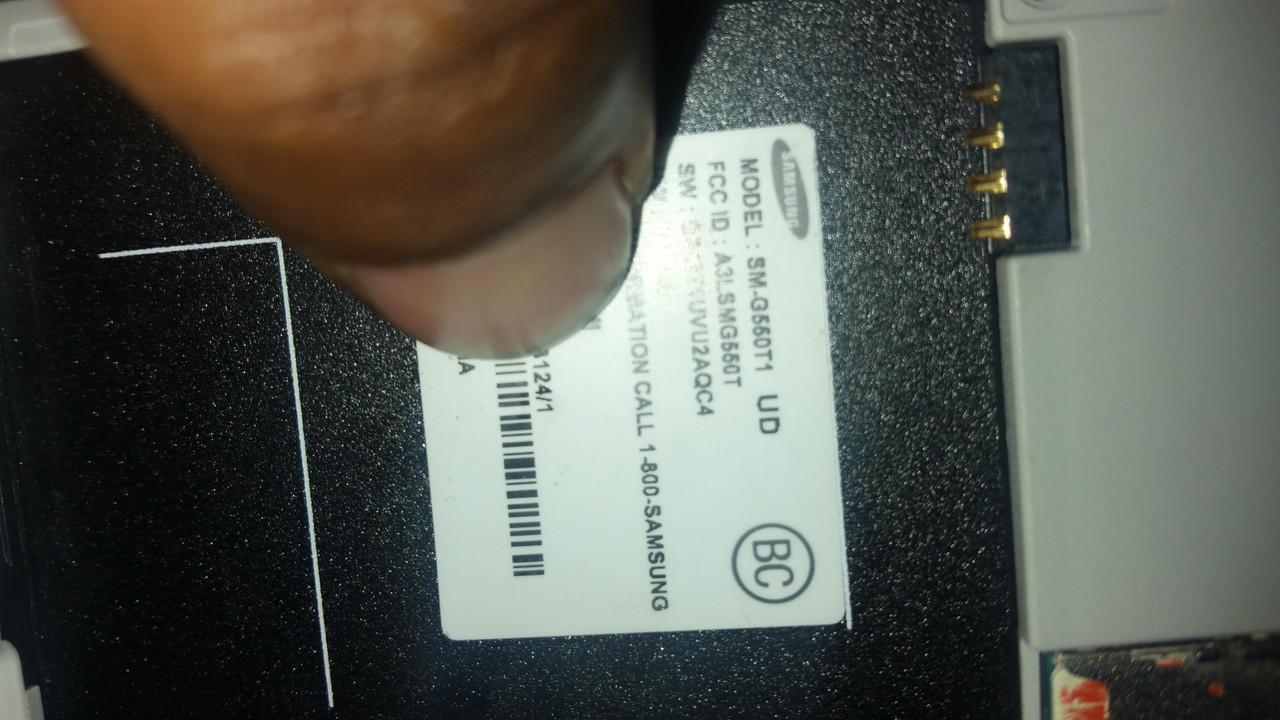
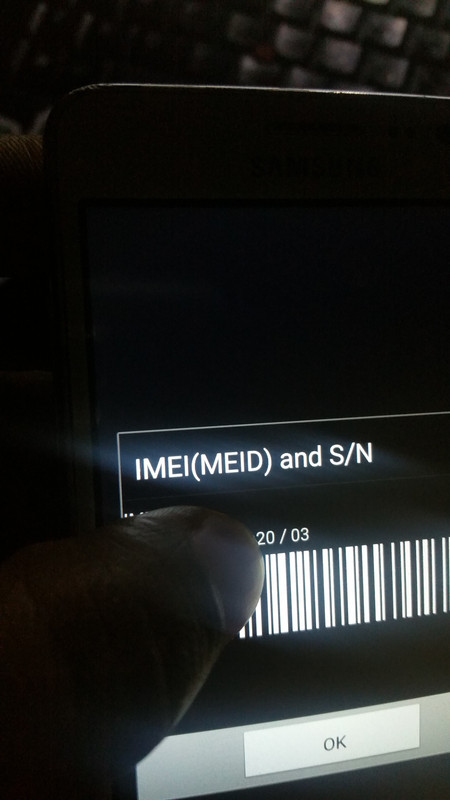
newest imei i show on this pitcure **** i still love this box call Z3X still almighty :D:D:p;)
[ 5/11/2018 3:17:00 AM ]
[ 5/11/2018 3:17:00 AM ]
[ 5/11/2018 3:17:00 AM ] Waiting ADB device... OK
[ 5/11/2018 3:17:00 AM ] Reading phone info...
[ 5/11/2018 3:17:00 AM ] Model: SM-G550T
[ 5/11/2018 3:17:00 AM ] Android version: 6.0.1
[ 5/11/2018 3:17:00 AM ] PDA version: FA60_G550TUVU2AQC1
[ 5/11/2018 3:17:00 AM ] CSC version:
[ 5/11/2018 3:17:00 AM ] Phone version: G550TUVU2APF1
[ 5/11/2018 3:17:00 AM ] Product code:
[ 5/11/2018 3:17:00 AM ] CSC country code:
[ 5/11/2018 3:17:00 AM ] CSC sales code:
[ 5/11/2018 3:17:00 AM ] Phone SN: 00000000000
[ 5/11/2018 3:17:00 AM ] IMEI: 351722081345120
[ 5/11/2018 3:17:00 AM ] HW version:
[ 5/11/2018 3:17:00 AM ] RF cal date:
[ 5/11/2018 3:17:00 AM ] Chip name: EXYNOS3475
[ 5/11/2018 3:17:00 AM ] Modem board: SHANNON308
[ 5/11/2018 3:17:00 AM ] Security patch: 2016-06-01
[ 5/11/2018 3:17:00 AM ] Boot Warranty bit: 1
[ 5/11/2018 3:17:00 AM ] Checking Super user right... true
[ 5/11/2018 3:17:00 AM ] Reading NV data... OK
[ 5/11/2018 3:17:00 AM ] Checking NV data... OK
[ 5/11/2018 3:17:00 AM ] Initialization zTool... OK
[ 5/11/2018 3:17:00 AM ] Running zTool, please wait...
[ 5/11/2018 3:17:00 AM ] Start... OK
[ 5/11/2018 3:18:00 AM ] Initialization... OK
[ 5/11/2018 3:18:00 AM ] Generate and check client proof... OK
[ 5/11/2018 3:18:00 AM ] Verify proof by client... OK
[ 5/11/2018 3:18:00 AM ] Reading data from phone... OK
[ 5/11/2018 3:18:00 AM ] Modem board: SHANNON308
[ 5/11/2018 3:18:00 AM ] HWID: 1A AA 89 E4 40 8A 5B 6E A4 D0 5A E6 64 44 89 11
[ 5/11/2018 3:18:00 AM ] Calculating... OK
[ 5/11/2018 3:18:00 AM ] Repairing... OK
[ 5/11/2018 3:18:00 AM ] Writing NV data... OK
[ 5/11/2018 3:18:00 AM ] Rebooting phone... OK
[ 5/11/2018 3:18:00 AM ] Repair done
REPAIR INSTRUCTIONS:
Phone must be rooted!
If the software can't root the phone automatically,
then you must root your device manually.
1. Power on the phone.
2. Enable 'USB debugging' in 'Settings'-'Developer options' for Android 4.0 - 4.1.2 or
tap 7 times on 'Build number' in 'Settings'-'About phone' to enable 'Developer options' in Android 4.2+.
3. Connect the phone to PC with USB cable, install drivers if needed.
4. Select device in ADB settings.
5. Press 'Reset EFS' if you need to reset it.
Be carefully, do not perform this without necessity and make backup before.
Operation: Patch Certificate
Selected model: SM-G550T
Software version: 31.5
Waiting ADB device... OK
Reading phone info...
Model: SM-G550T
Android version: 6.0.1
PDA version: FA60_G550TUVU2AQC1
CSC version:
Phone version: G550TUVU2APF1
Product code:
CSC country code:
CSC sales code:
Phone SN: 00000000000
IMEI: 351722081345120
HW version:
RF cal date:
Chip name: EXYNOS3475
Modem board: SHANNON308
Security patch: 2016-06-01
Boot Warranty bit: 1
Checking Super user right... true
Reading NV data... OK
Checking NV data... OK
Reading data... OK
Detecting MODEM... OK
Reading MODEM... OK
Calculating... OK
Writing zTool... OK
Initialization zTool... OK
Rebooting phone... OK
Patching CERT check... done
Done with Samsung Tool PRO v.31.5
newest imei i show on this pitcure **** i still love this box call Z3X still almighty :D:D:p;)
